

This guide walks you through deploying an application on Unkey for the first time. You'll create a project, connect a GitHub repository, and have a running app with a live URL.
Prerequisites#
- An Unkey account
- A GitHub repository
Create a project#
Start a new project
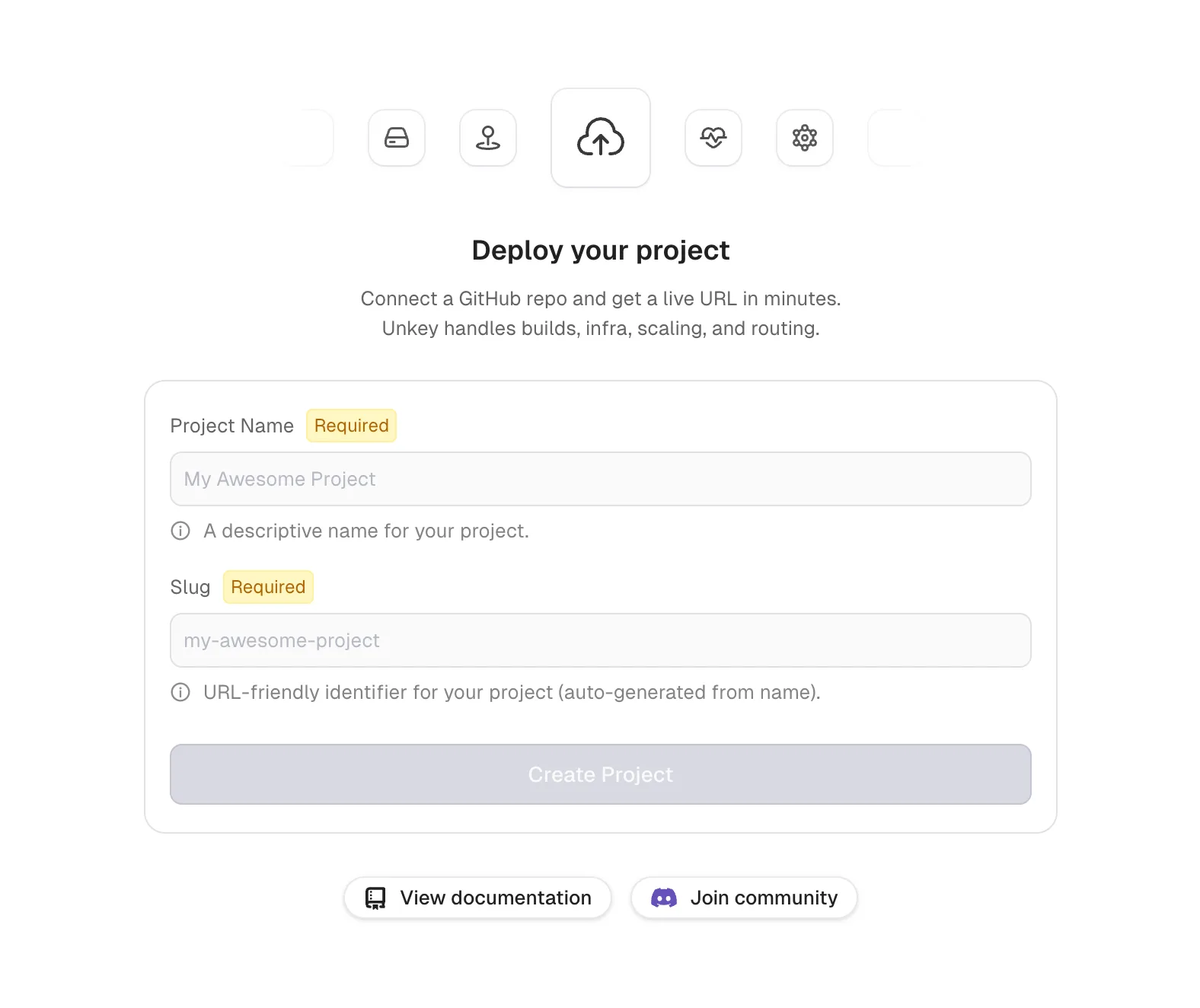
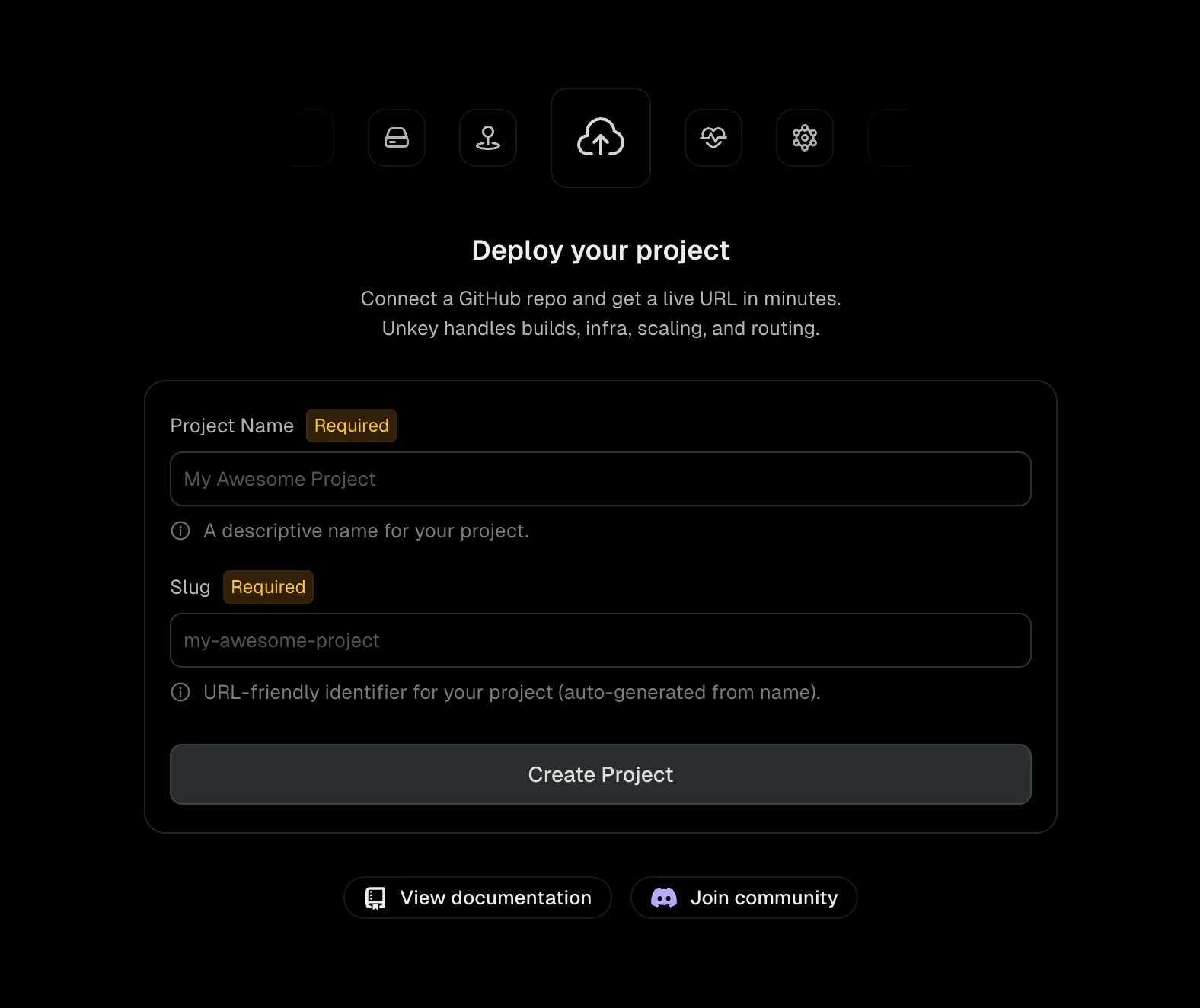
Navigate to your workspace and click New project. Enter a project name and slug, then click Create Project.
Import from GitHub
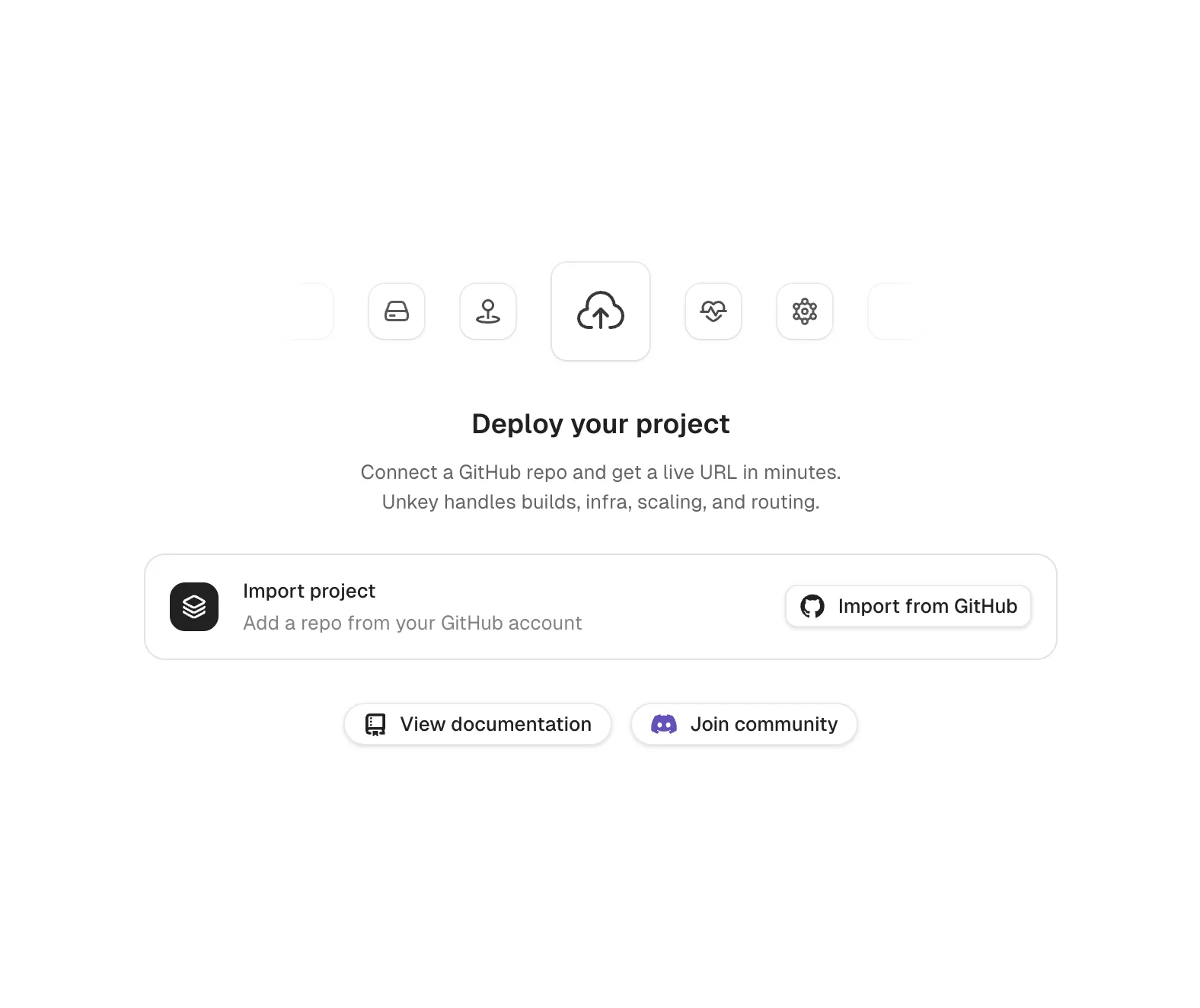
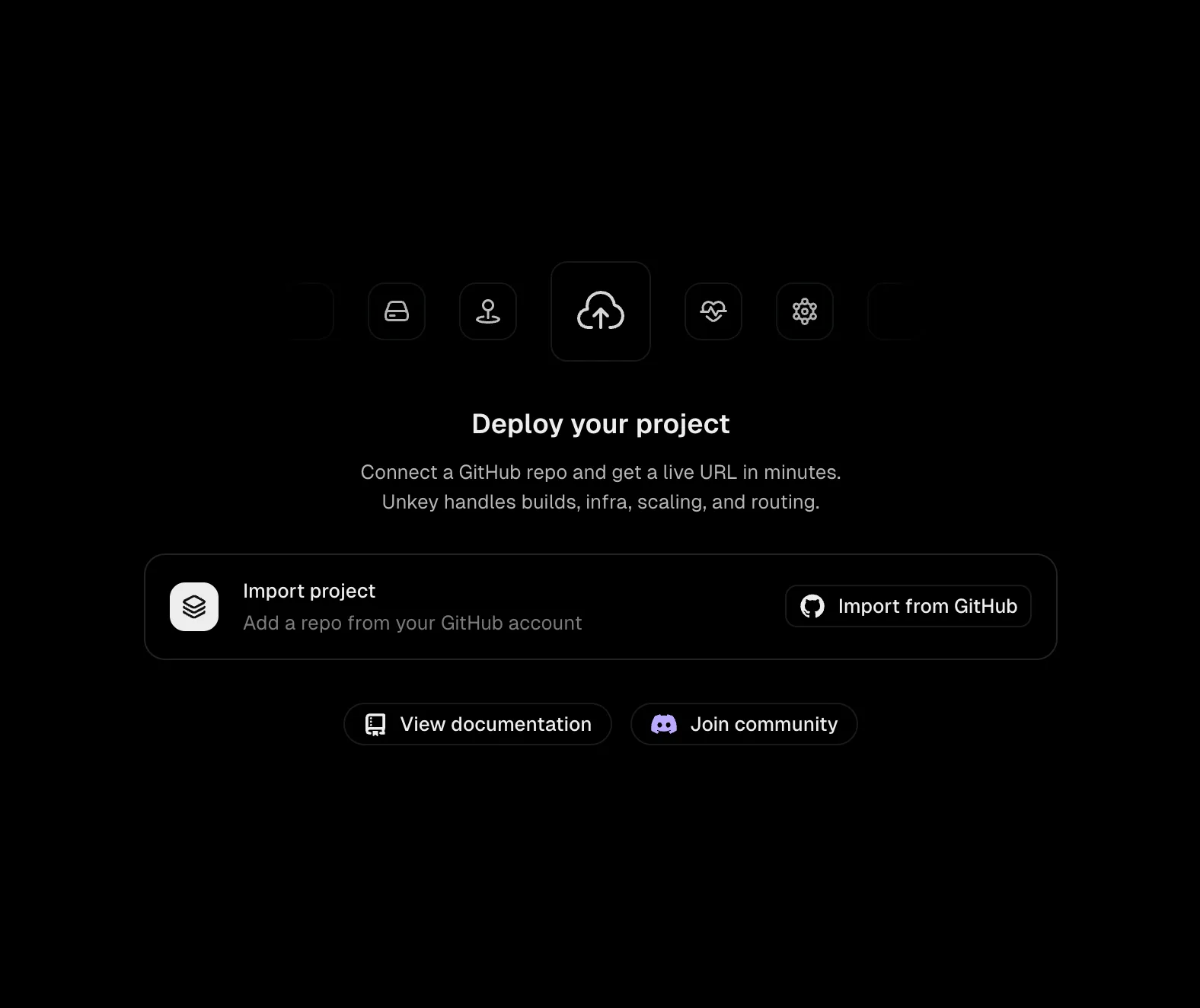
Click Import from GitHub. If you haven't installed the Unkey GitHub App yet, you'll be prompted to install it on your organization or personal account.
Select a repository
Choose your repository and branch. Unkey auto-detects Dockerfiles and shows their status next to each repo.
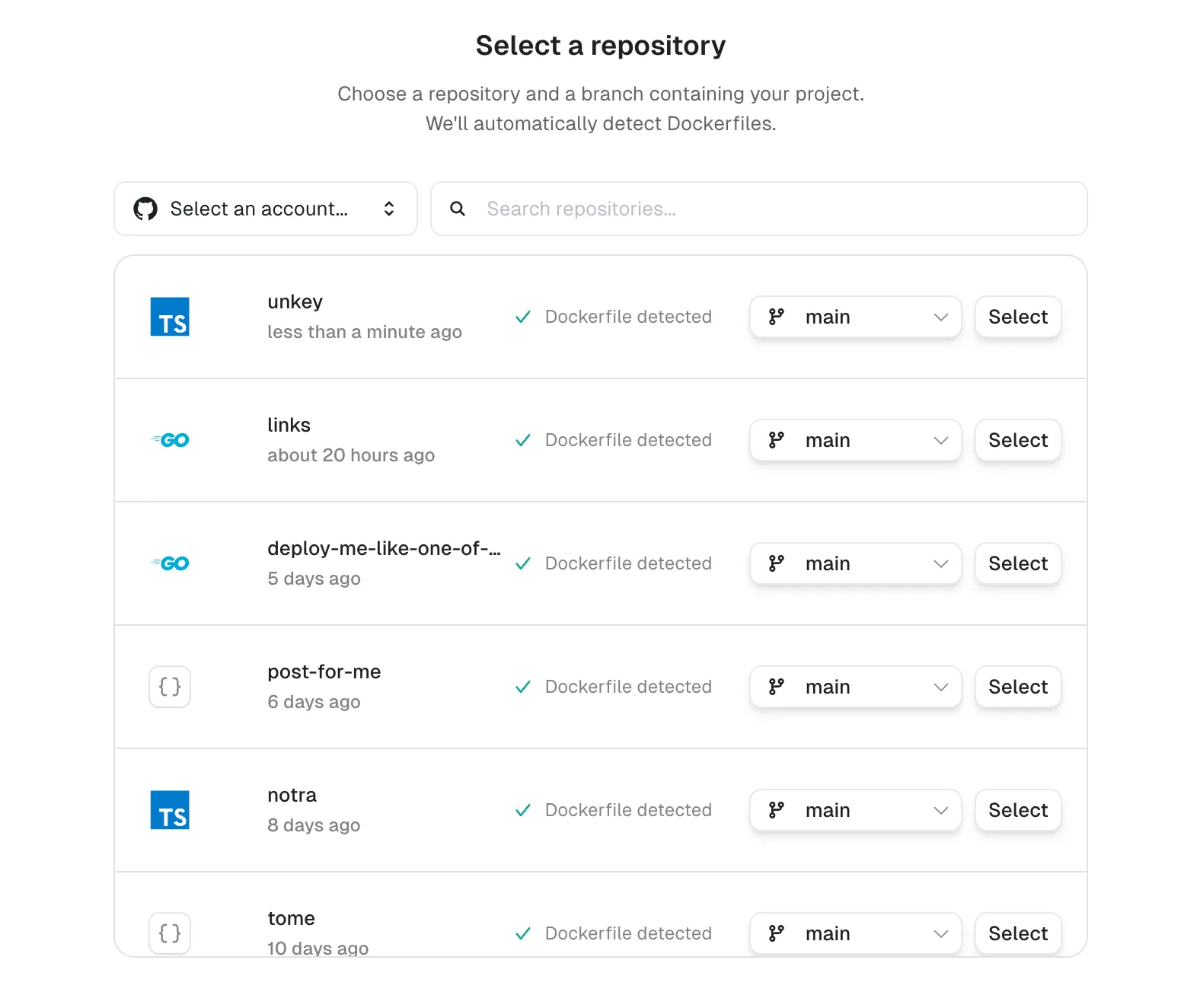
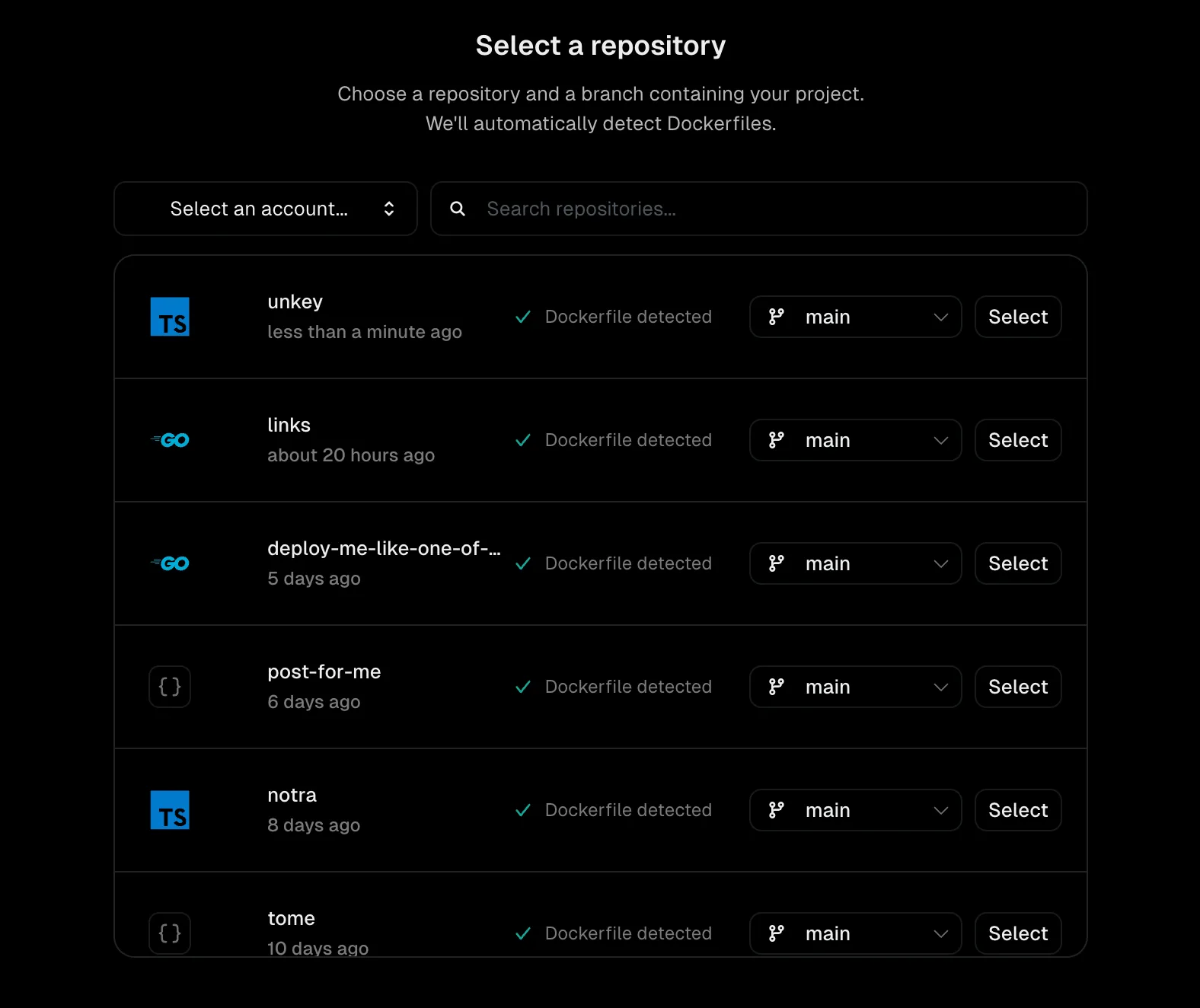
Don't have a repository ready or want to deploy with the CLI instead? Click Skip for now to finish onboarding without selecting a repository. You can connect GitHub later from your project's settings.
Configure build settings
Review the defaults for root directory, Dockerfile path, and watch paths. Expand Runtime settings to configure regions, CPU, and memory. Expand Advanced configurations to add environment variables.
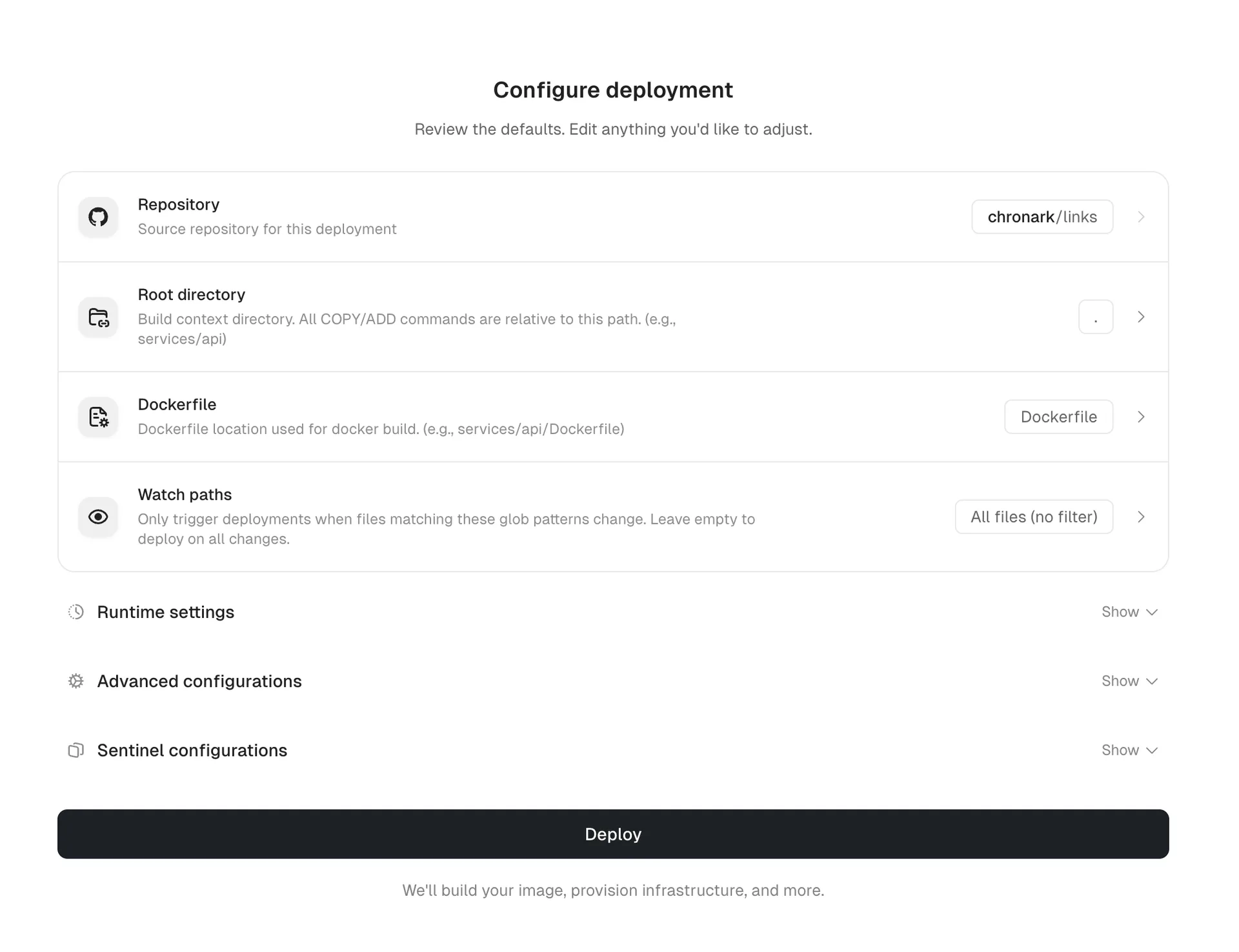
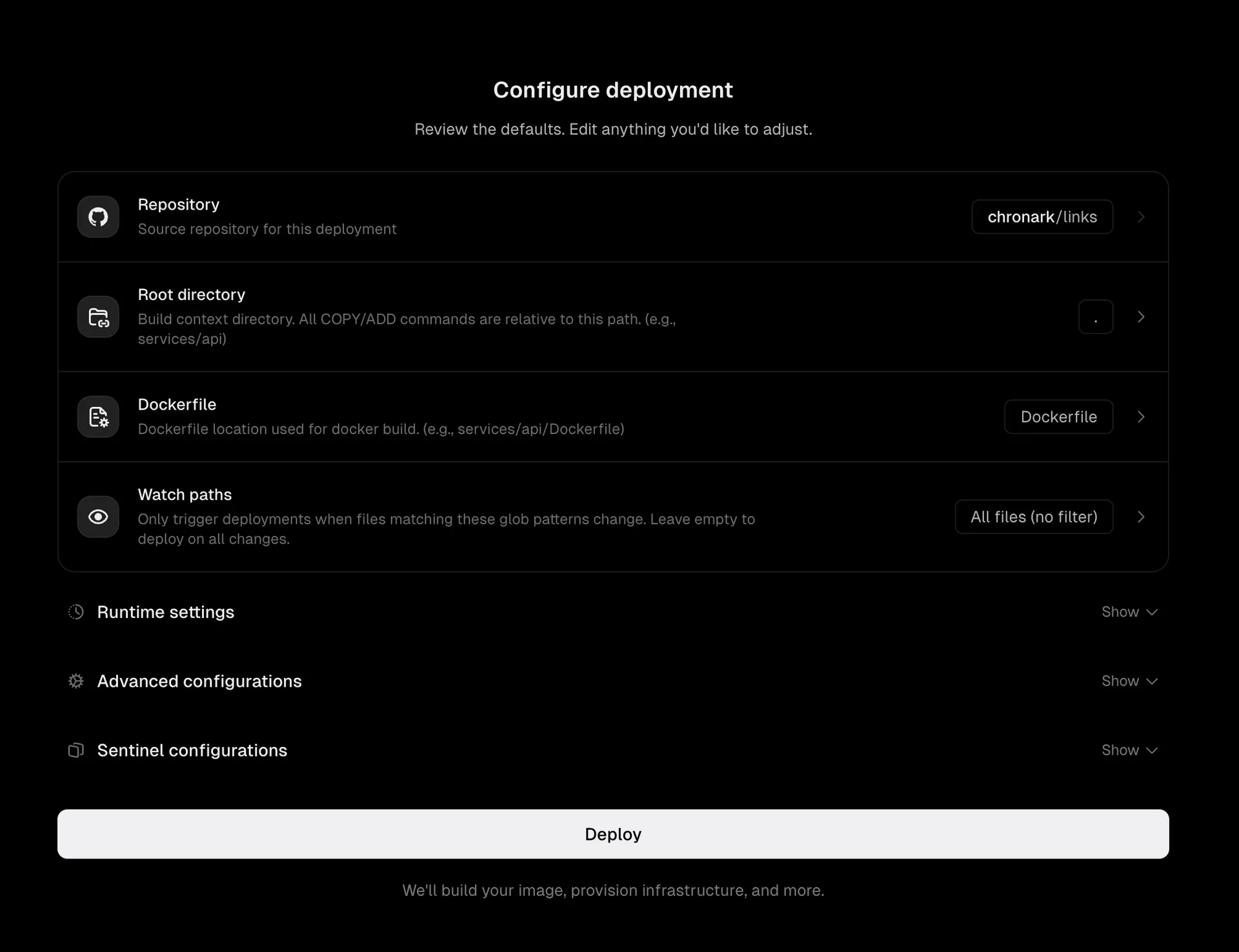
Deploy
Click Deploy. Unkey builds your image, provisions infrastructure across your selected regions, and assigns domains.
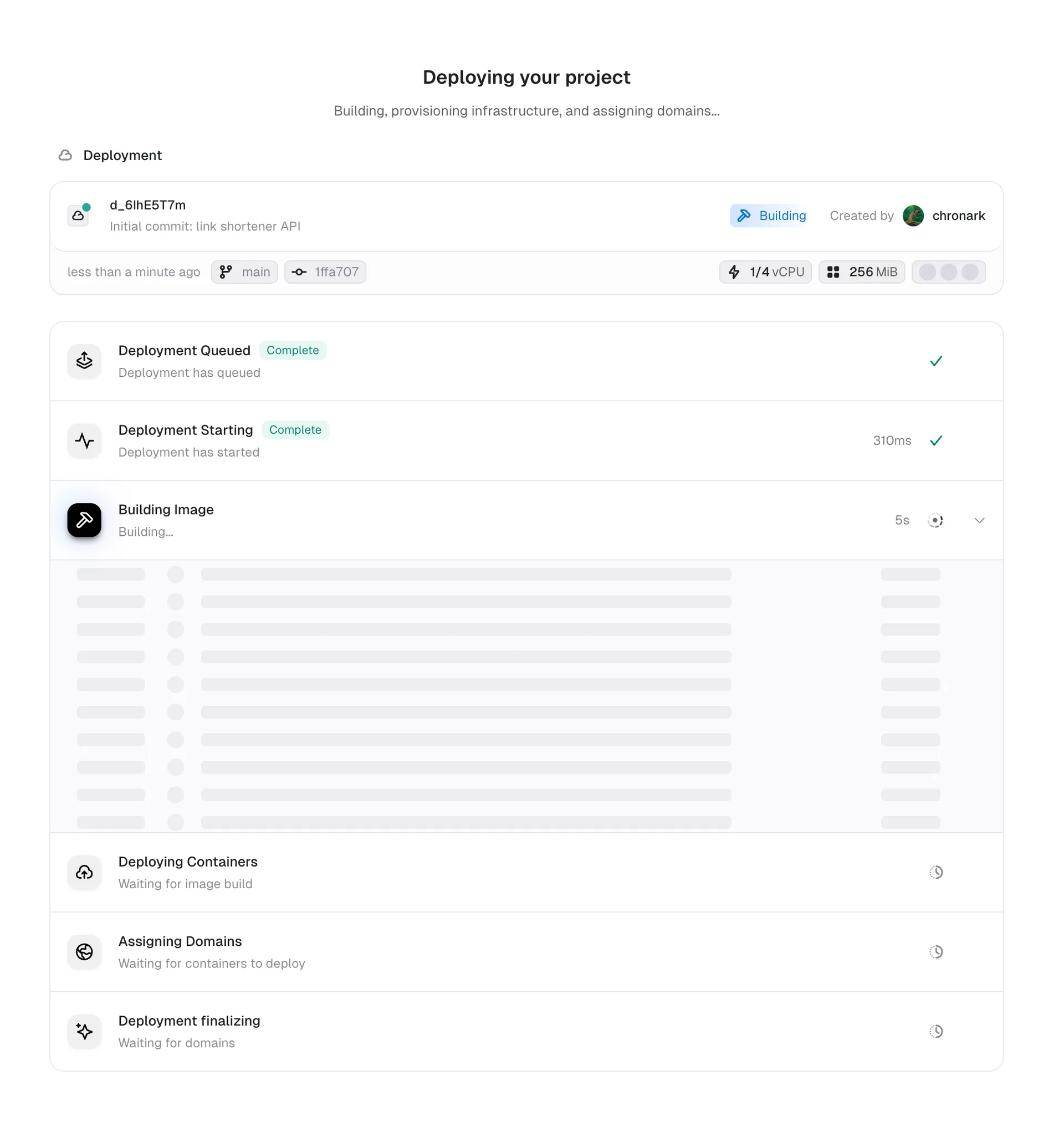
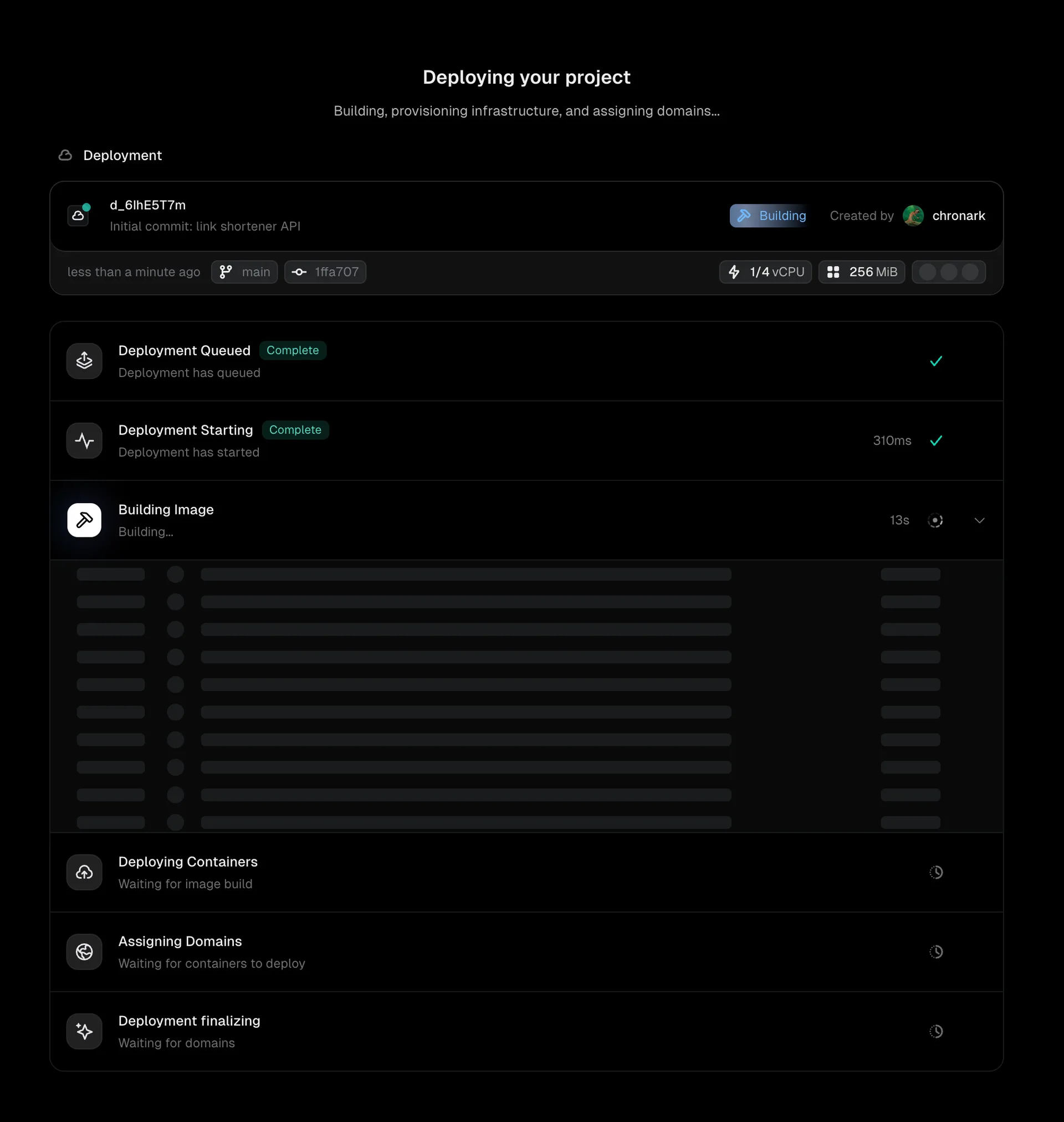
Once the deployment reaches Ready, your app is live. Unkey assigns several domains automatically, including an environment domain and a commit-specific domain.
What happens next#
After the initial setup, every push to your repository triggers a new deployment automatically:
- Pushes to the default branch (typically
main) deploy to production. - Pushes to any other branch deploy to preview.
Each deployment gets its own unique URL, so you can test any version independently.