

Navigate to Settings in the sidebar to manage your workspace. Settings are grouped into tabs: General, Team, Root Keys, and Billing.
General#
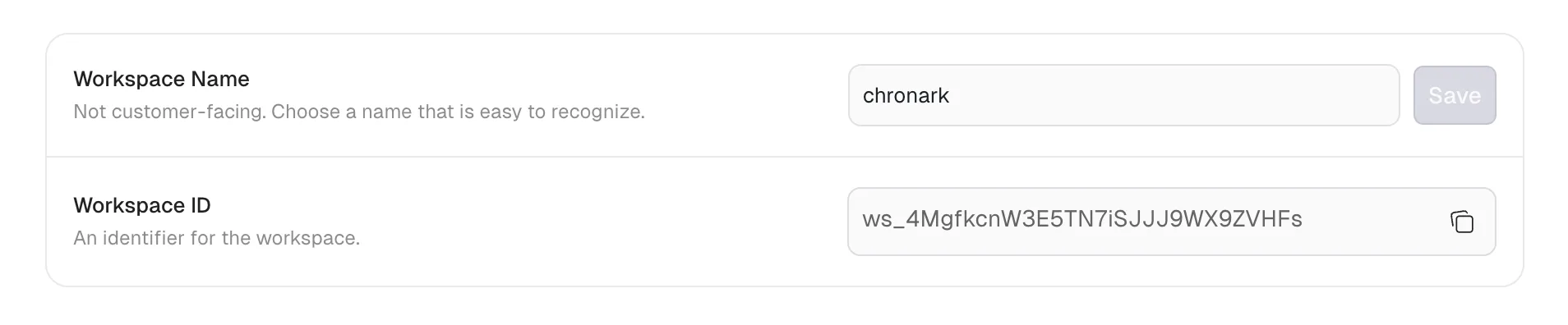
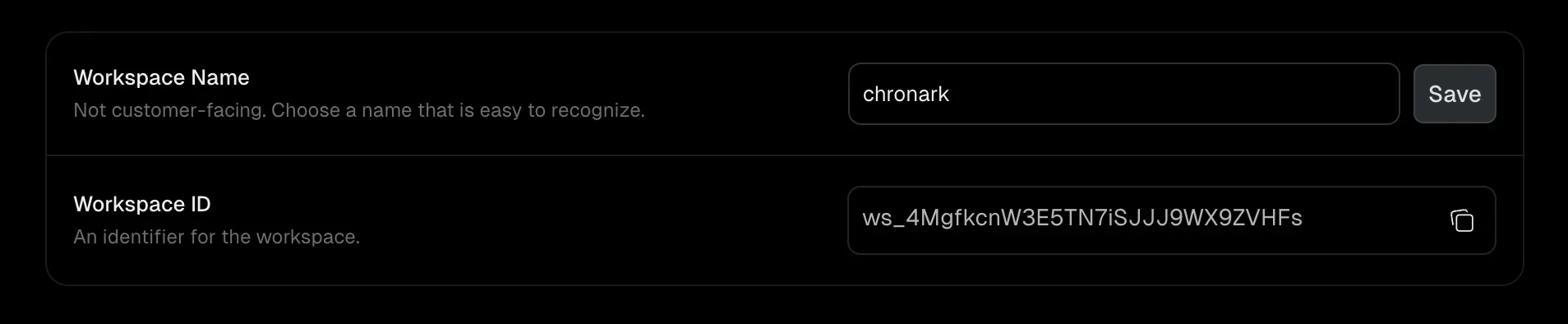
Workspace name#
The display name for your workspace (3 to 50 characters). This is not customer-facing. It helps you and your team identify the workspace in the dashboard.
- Navigate to Settings > General.
- Enter a new name in the Workspace Name field.
- Click Save.
Workspace ID#
A read-only, system-generated identifier for your workspace (for example, ws_abc123). Click the copy button to copy it to your clipboard. You need this ID when calling the Unkey API.
Team#
Manage who has access to your workspace and what they can do. See Team members for details on roles, invitations, and member management.
Team members require a paid plan. Upgrade your plan to access this tab.
Root keys#
Manage root keys for programmatic access to the Unkey API. See Root keys for details on creating keys, permissions, and best practices.
Billing#
Manage your subscription, payment methods, and invoices. See Billing for details on plans, upgrades, and the billing portal.