

Unkey takes your repository and gives you a running application with automatic domains, multi-region routing, rollbacks, and built-in API security through the gateway.
What you get#
Every deployment gets its own URL. Branch, environment, and commit-level domains are assigned automatically.
Deploy to multiple regions and route traffic to the nearest healthy location.
Previous deployments stay running so rollbacks are instant. No rebuild required.
API key authentication, rate limiting, and IP rules run in front of your app before requests reach it.
Stream build and runtime logs in real time from the dashboard.
Every branch gets its own isolated environment with separate variables and domains.
Requirements#
- A GitHub repository for automatic deployments, or a pre-built Docker image for CLI deploys. See builds for how your source becomes an image.
Get started#
The fastest path is connecting a GitHub repository:
- Create a project in your workspace.
- Click Import from GitHub and select your repository.
- Review build settings (root directory, Dockerfile path, watch paths).
- Click Deploy.
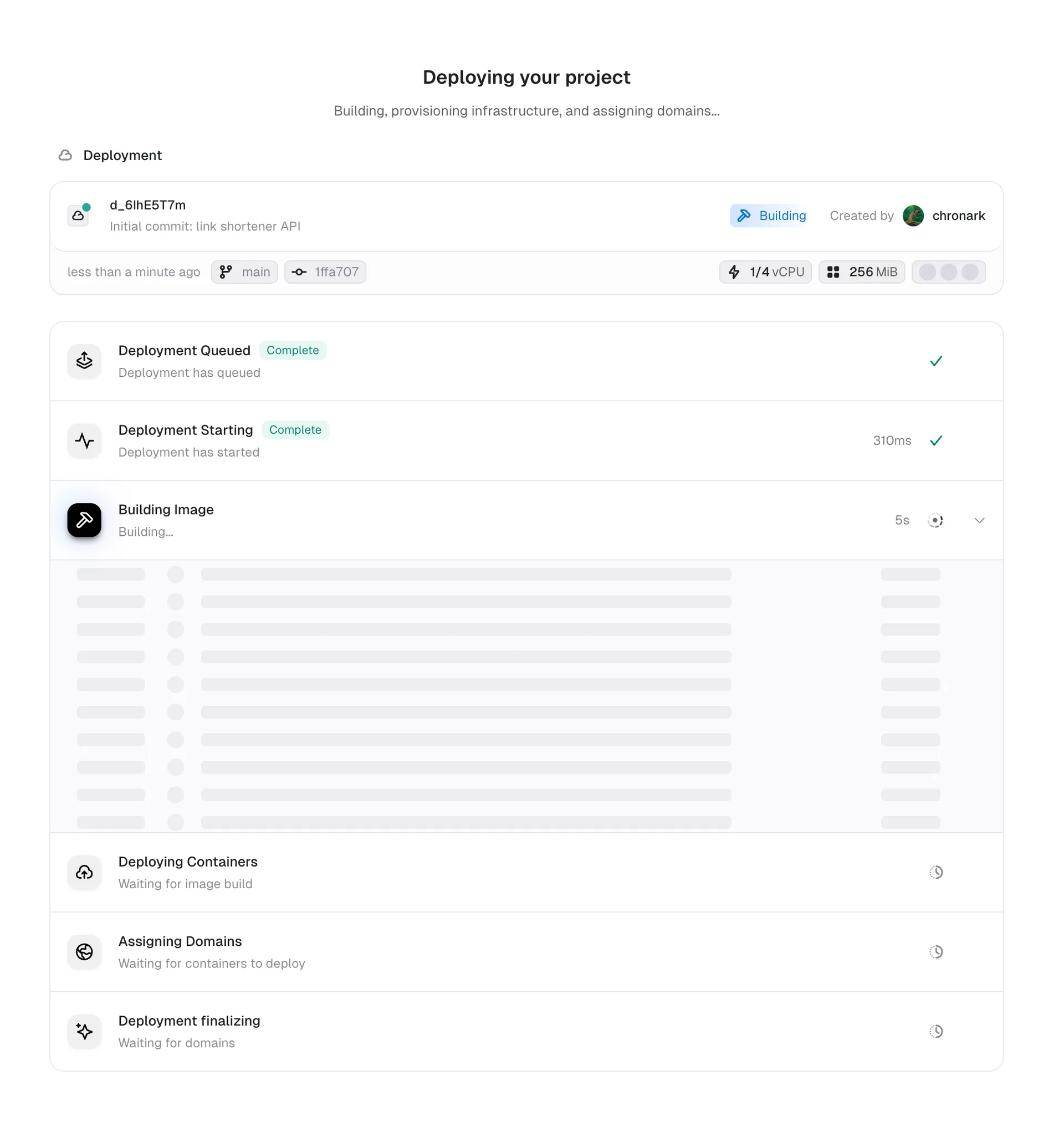
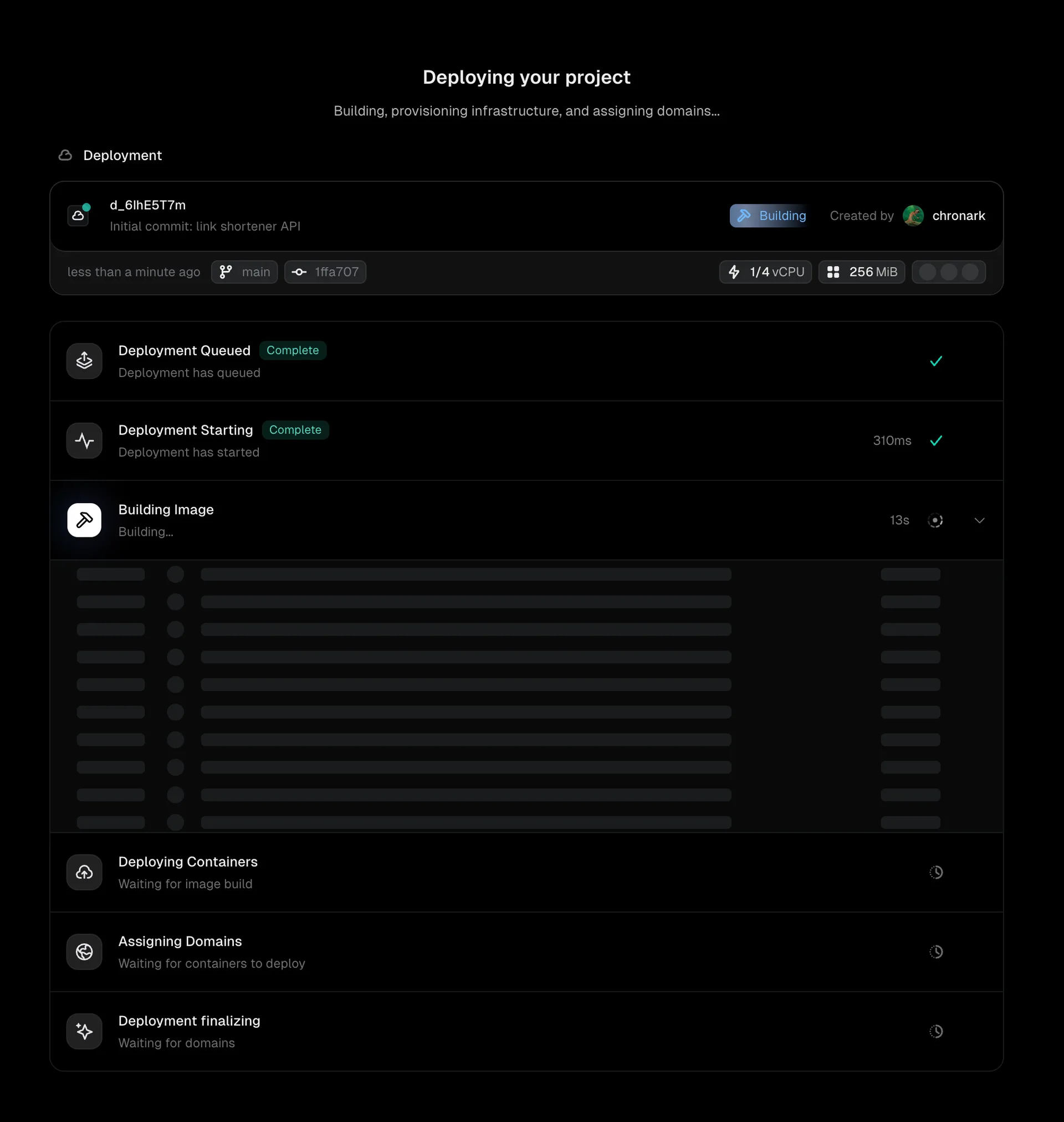
Unkey builds your image, deploys it to your configured regions, and assigns domains. See GitHub integration for the full walkthrough with screenshots.
Three ways to deploy#
Connect a repository and deploy automatically on every push. Default branch goes to production, other branches go to preview.
Deploy a pre-built Docker image with unkey deploy. Useful for CI/CD pipelines and custom build systems.
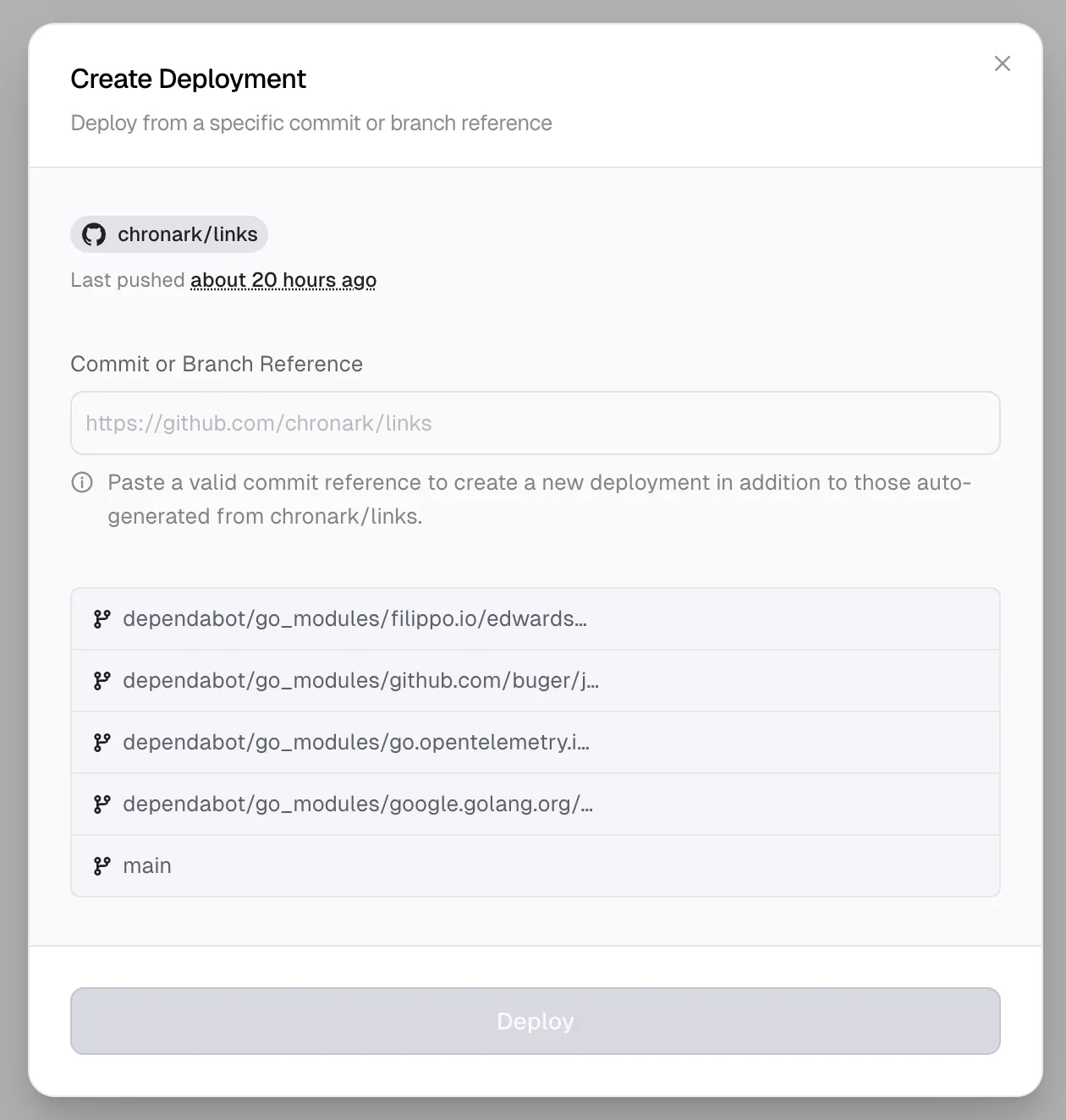
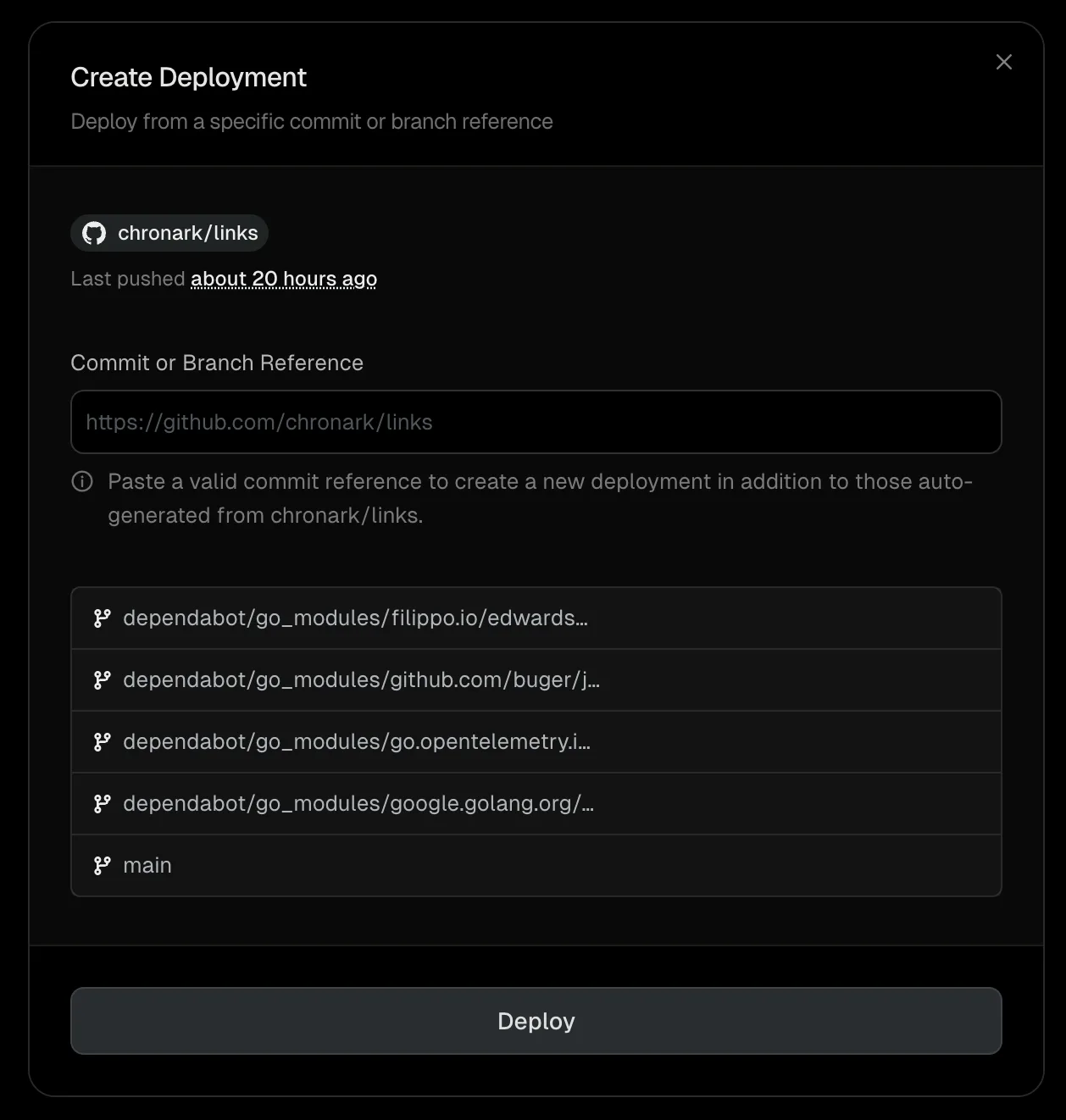
Trigger a deployment manually from a branch, commit, pull request URL, or fork.
Next steps#
Full setup walkthrough with screenshots
Ship pre-built Docker images from CI or your machine
Pick the right path for your team
How deployments progress from build to serving traffic
Configure where your app runs
Build, runtime, and gateway configuration